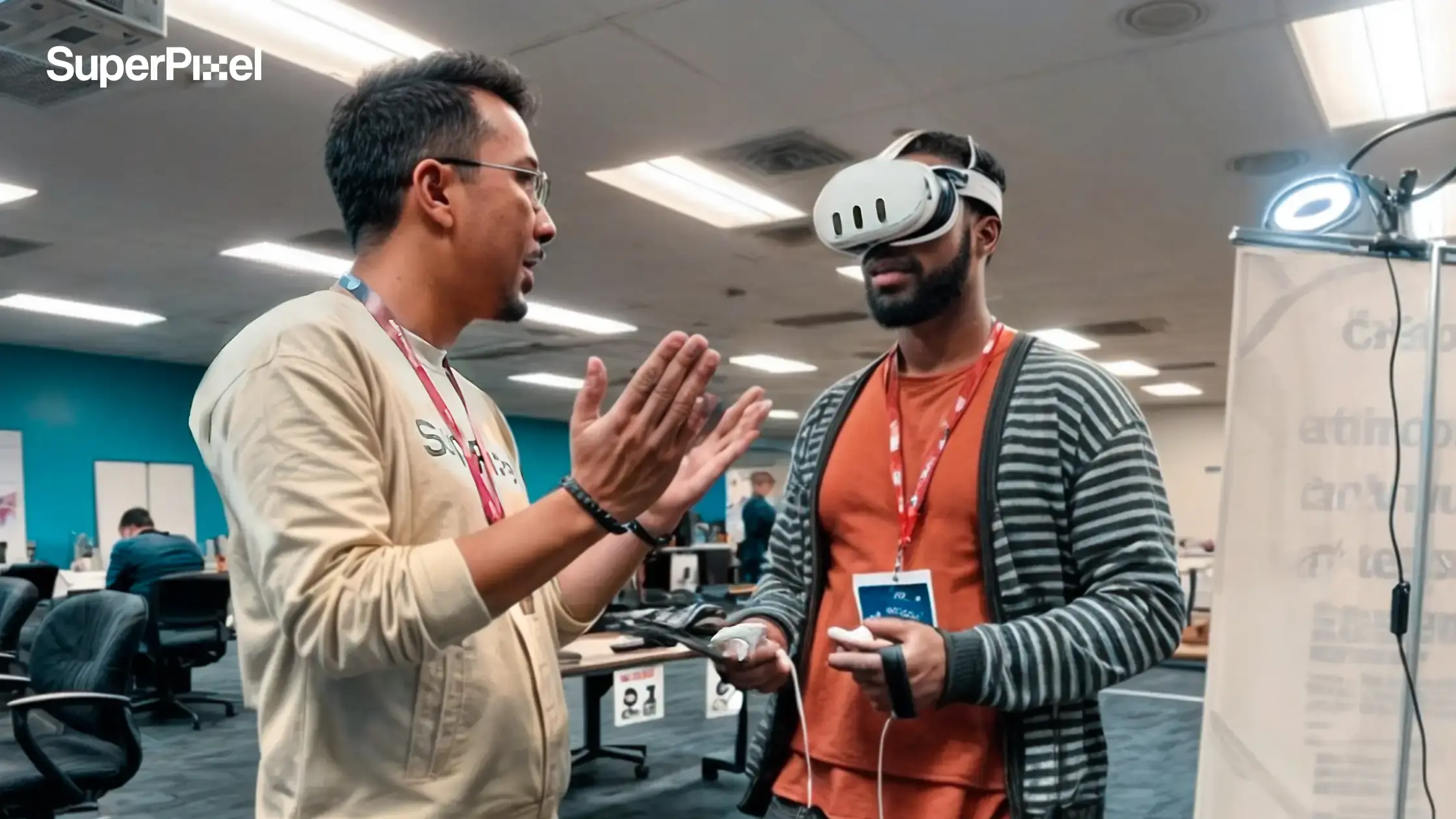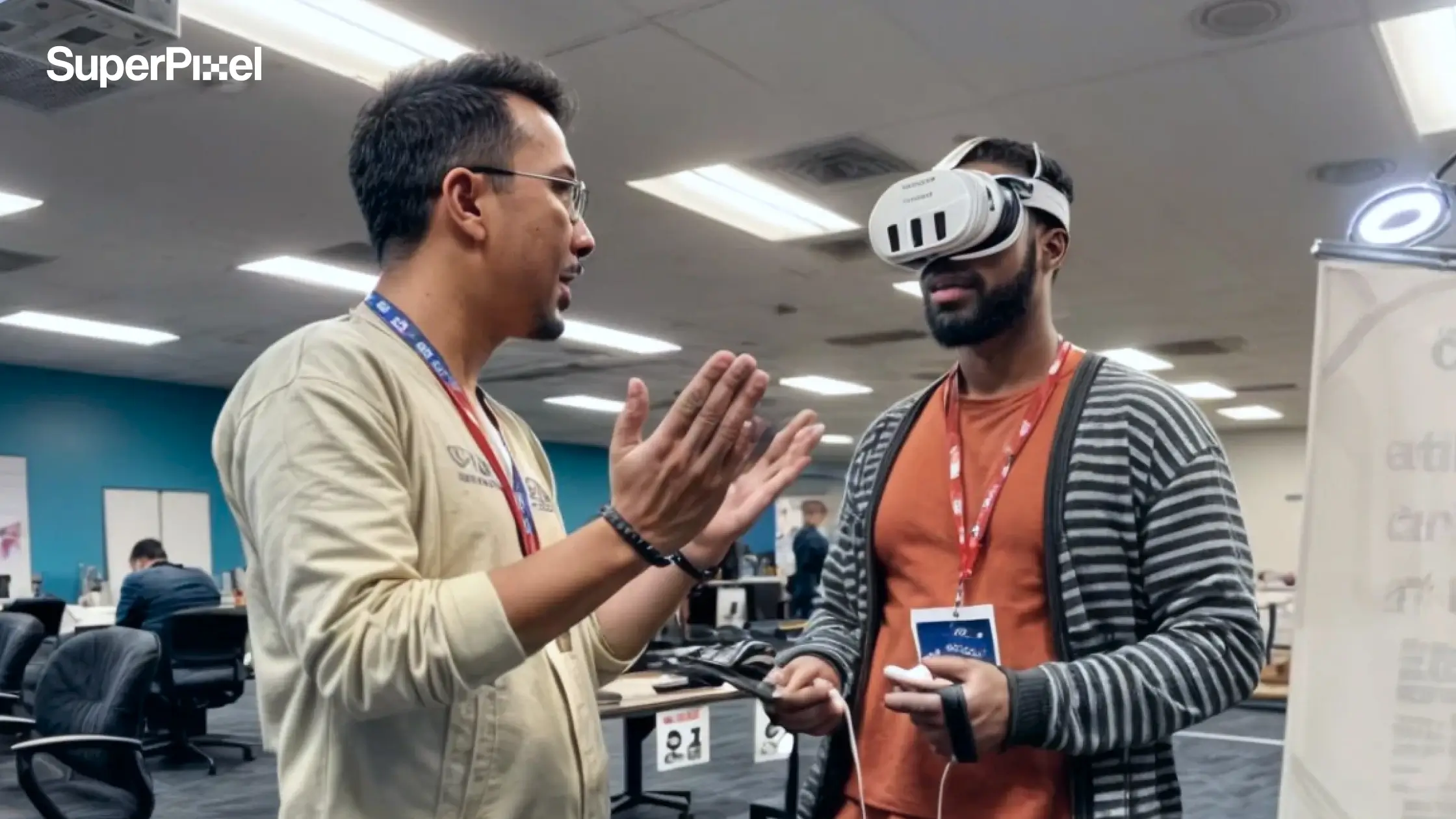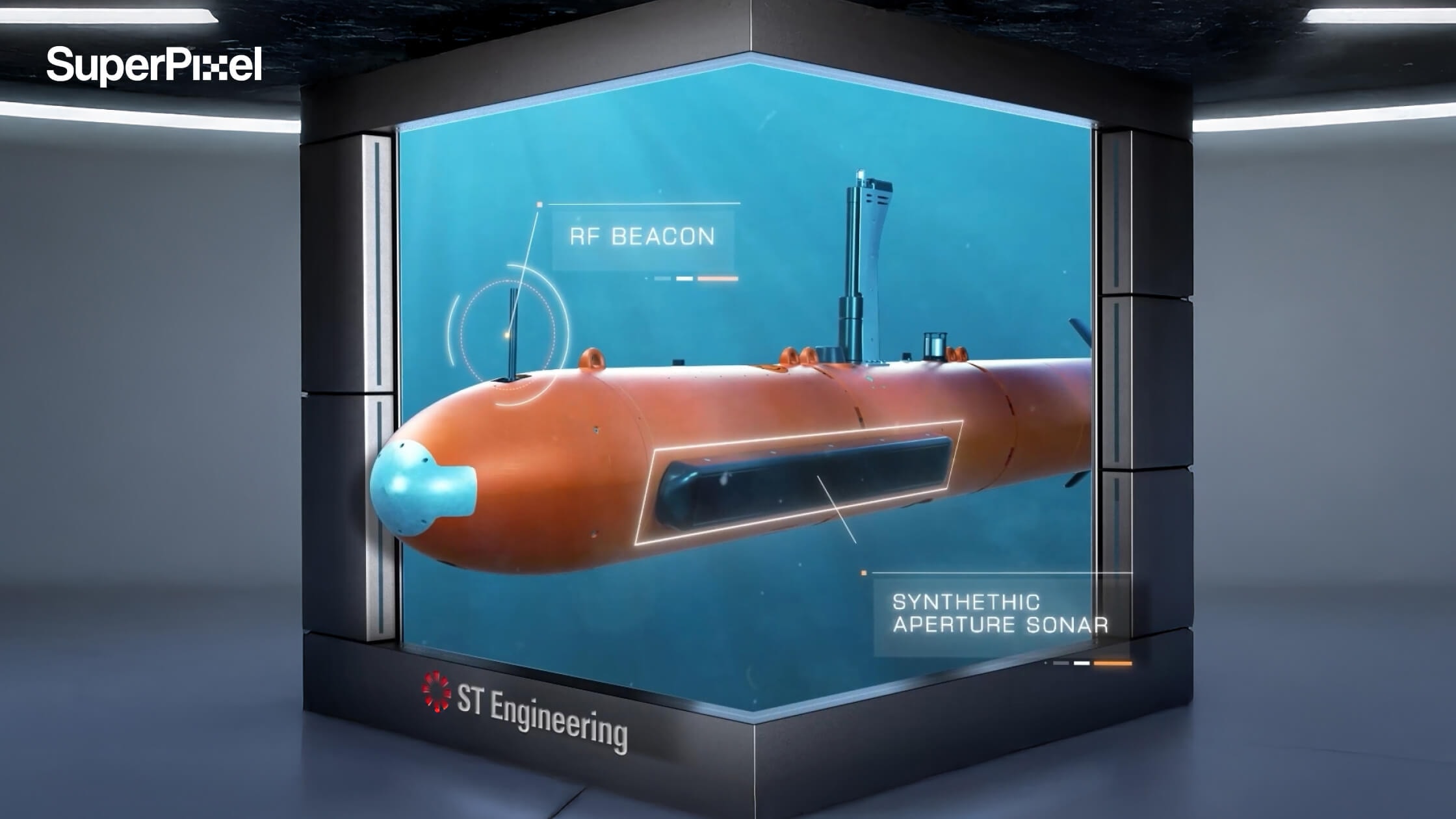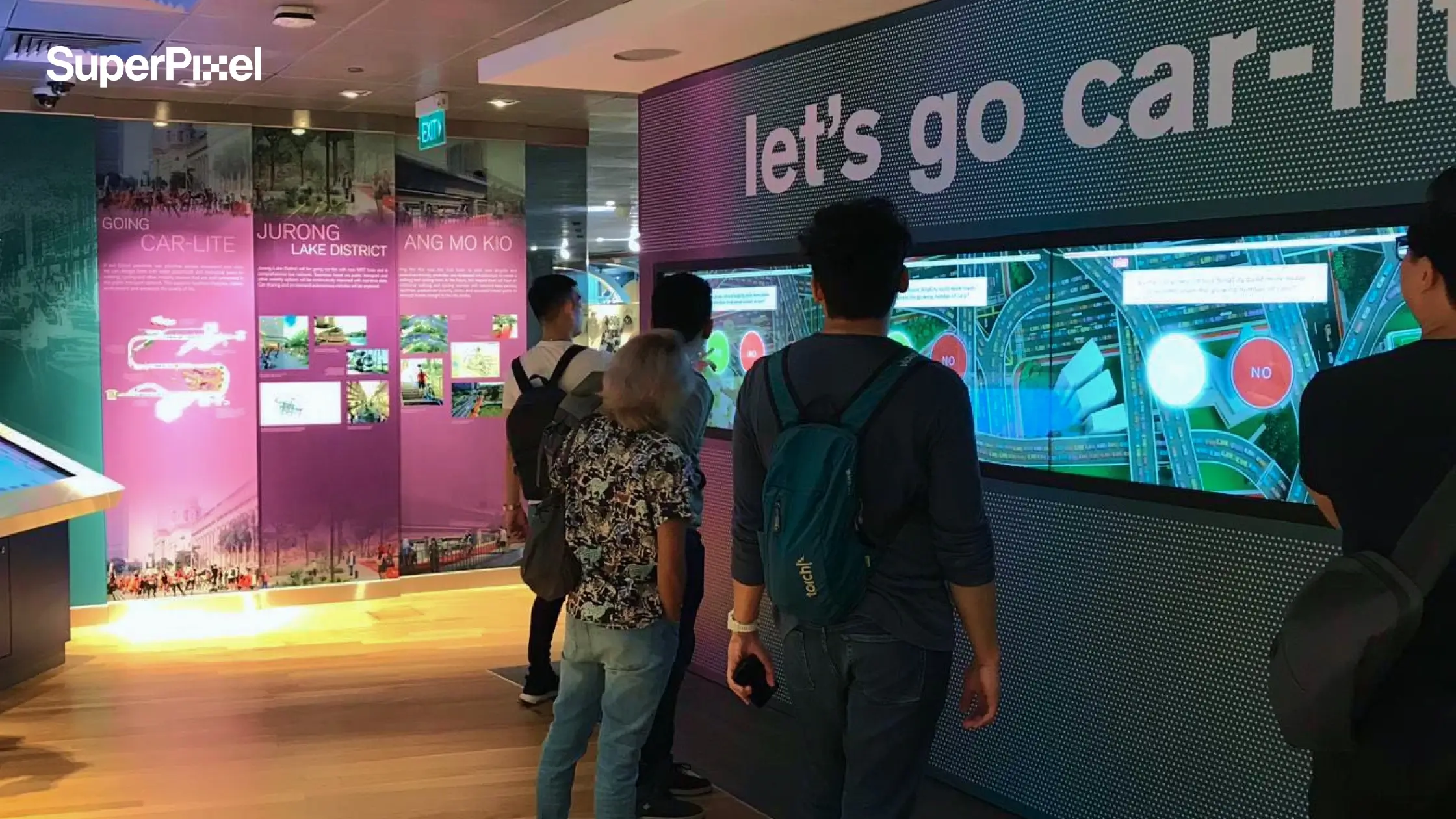
A few years back, if you wanted to broadcast information to the public, you either bought TV airtime or printed a mountain of posters and prayed people actually looked up.
Today, brands and organisations can reach people in public spaces, retail stores, corporate buildings, and transport hubs with digital signage that updates in minutes sometimes automatically, based on what’s happening around them.
Key Takeaways:
- Digital signage is more than a screen, it’s a system (display + software + content + connectivity).
- The “best” type depends on your location, content format, and operational reality (who updates it, how often, and where).
- For high-traffic environments, design must win attention fast, then communicate clearly.
- Operating systems and content management matter as much as screen size and brightness.
- Start simple, then scale into interactivity, video walls, and real time content once your basics are solid.
- Want your digital signage to actually stop people mid-step? Reach out to SuperPixel and we’ll help you design content that lands in the first three seconds.
- If your screens look “nice” but don’t drive action, let’s fix the content strategy. Talk to SuperPixel and we’ll build motion-led signage that performs.
- Planning a rollout across retail stores, corporate buildings, or public spaces? Contact SuperPixel to turn your signage into a consistent, scalable content system.>
Digital Signage Displays: What They Are
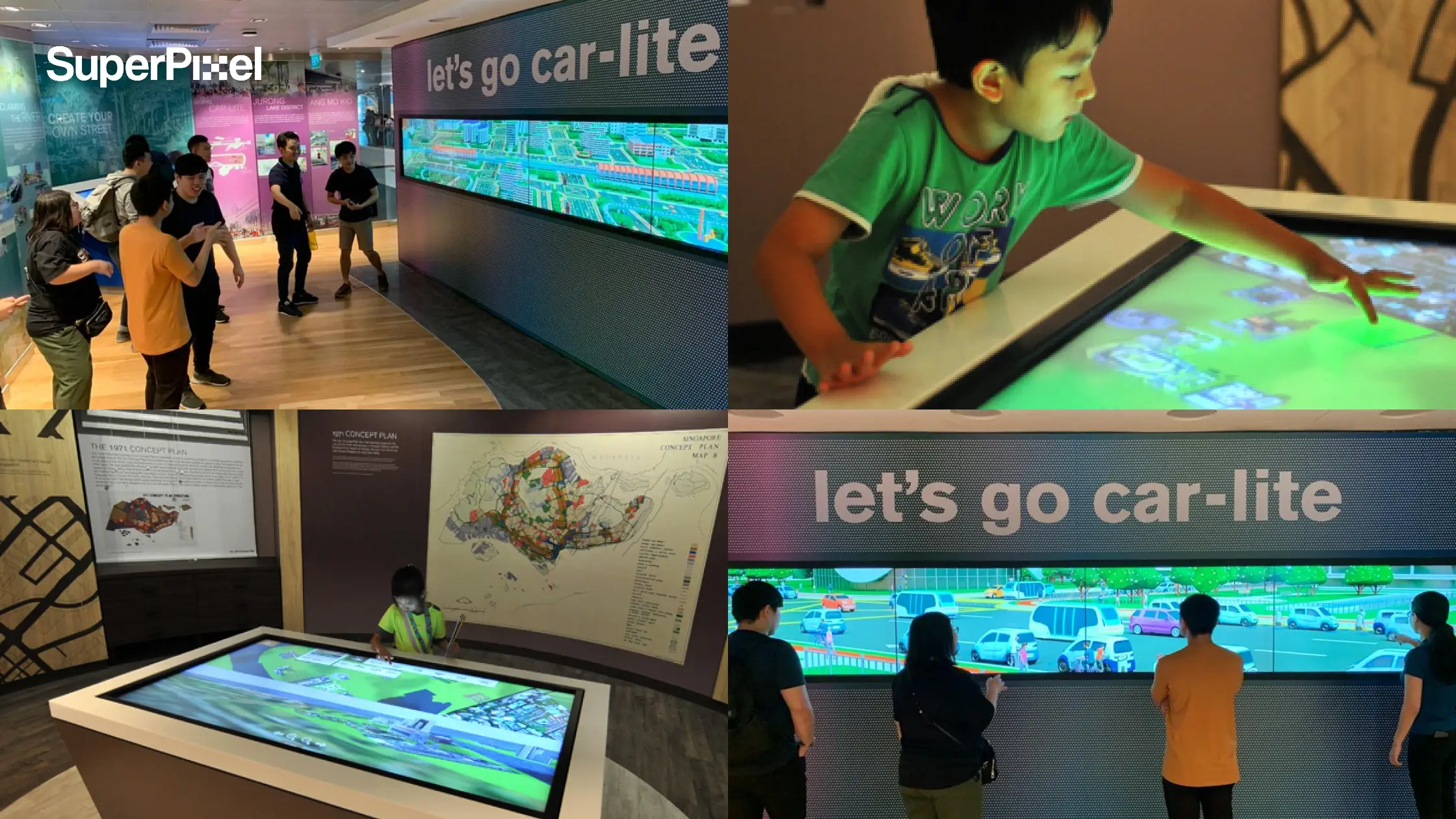
Digital signage, sometimes called electronic signage, is the use of digital signage displays to show videos, static images, and digital graphics usually controlled through a content management system (CMS) so teams can update messages across multiple devices remotely.
Digital signage is essentially a dynamic communication medium built around electronic displays and content management best practices.
That matters because when it’s done right, it doesn’t just “look modern”, it changes behaviour. 80% of customers have entered a store specifically because of a digital sign, and 1 in 5 make unplanned purchases after seeing featured items.
So that, by 2026, digital signage is expected to integrate artificial intelligence, real-time data, and interactive features.
And visually, it tends to win attention: Dynamic visuals in digital signage capture 400% more views than traditional print materials. Digital displays attract up to 400% more views than static signs.
And yes, flat panels like LCD are still common because they’re cost-effective, energy efficient, and work well in many indoor setups. But the moment you move outdoors or into harsh lighting, brightness, viewing angle, and weather protection become non-negotiable.
Where Digital Signage Actually Gets Used
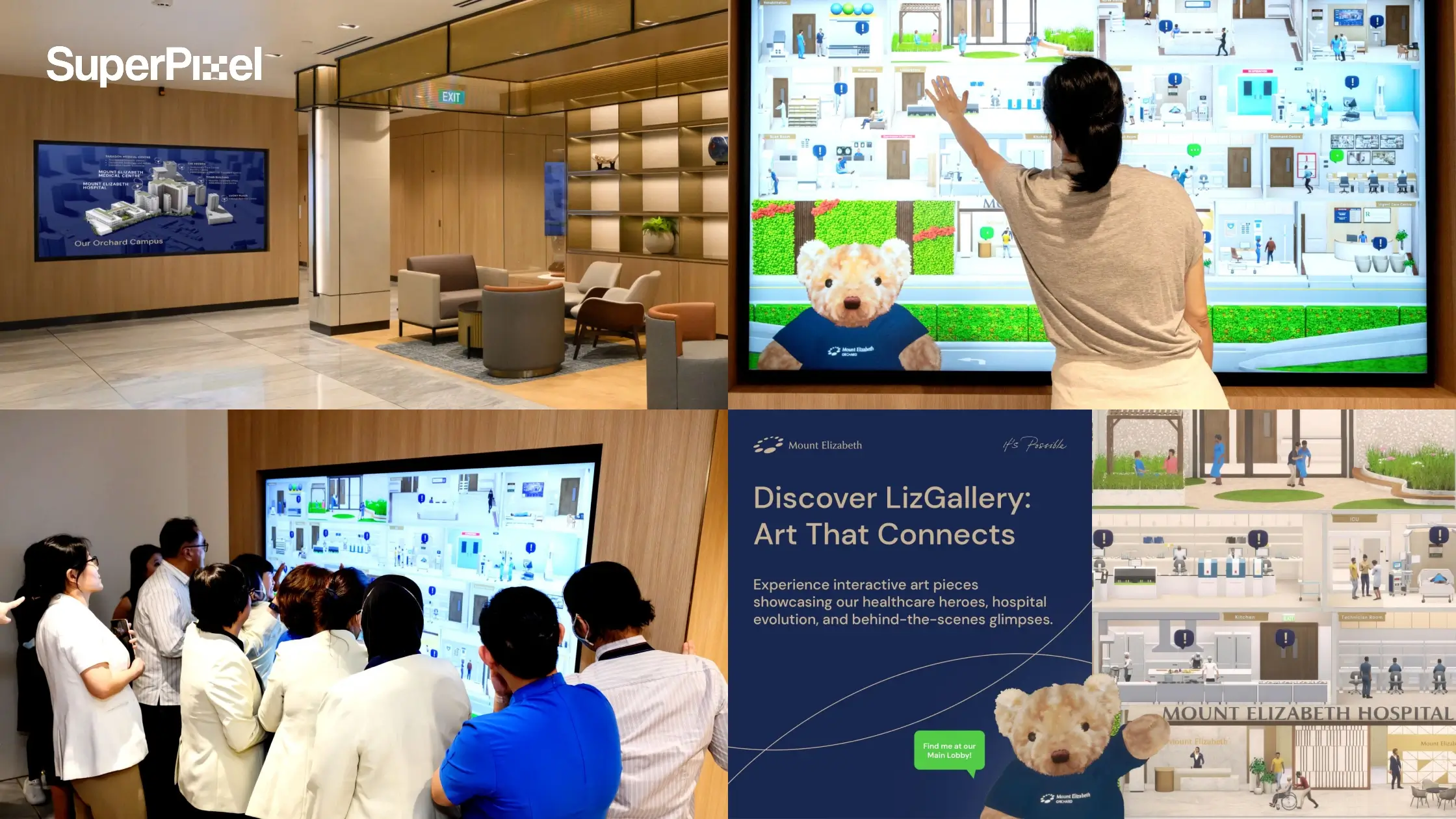
Digital signage is widely used in transportation hubs, retail stores, restaurants, corporate buildings, hotels, educational institutions, healthcare facilities, and public spaces.
Here are the most common ways brands and organisations use digital signage that mapped to what people are actually doing in that location.
1) Public information (when clarity matters more than creativity)
In Singapore, one of the most meaningful projects we’ve done at SuperPixel was with the Health Promotion Board by using animated storytelling on digital screens in public placements to help audiences understand antibiotic misuse (simple message, strong recall).
The design challenge wasn’t “make it pretty”. It was: can we make the message land in three seconds for viewers who are already distracted?
This is where digital signage shines for public service messaging: high visibility, repeated exposure, and the ability to keep the message consistent across environments.
2) Services and product exploration
In retail, digital signage often plays the role of the “silent staff member” explaining, demonstrating, and guiding without adding manpower. According to Navori (2025), digital signage software supports central control, scheduling, and quick updates across multiple screens useful when your team needs to manage campaigns across locations and devices without chaos.
3) Promotions
Promotions change. Prices change. Inventory changes. Digital signage lets organisations update content quickly especially useful for multi-branch operations.
4) Interactive forms & games
Interactivity works best when it serves a clear purpose: shorten queues, capture leads, educate users, or guide choices. If the interactive layer doesn’t reduce friction or increase clarity, it becomes “fun… but pointless”.
Interactive wayfinding kiosks help customers navigate stores or facilities.
5) Calendars & event schedules
This is one of the most underrated use cases. Hotels, campuses, hospitals, and corporate buildings use signage to show room bookings, announcements, and schedules because if the information isn’t visible, staff end up repeating the same answers all day.
Digital signage can display news, event schedules, and emergency alerts in campus settings.
6) Maps and wayfinding
Wayfinding is a design problem first, technology problem second. If your map requires thinking, you’ve already lost the user. The best systems feel obvious: big landmarks, clear routes, minimal text, and a consistent visual language.
The Different Types of Digital Signage
Below is a practical breakdown of the most common digital signage types, so you can match the format to your particular requirements.
1) Dynamic digital signage
Dynamic signage is content that changes based on time, triggers, or data. Think weather-based creatives, live queue numbers, or content that updates based on sensors.
A well-known example is McDonald’s weather-reactive digital out-of-home, where the creative changes based on local weather conditions. It’s a simple idea: match the message to the moment. (Cold day? Hot coffee. Hot day? Iced drink.)
Best for: fast-changing promos, DOOH, quick service, transport hubs, high-footfall public spaces.
Watch-outs: dynamic content still needs brand consistency random updates can look messy if your design system isn’t tight.
2) Indoor digital signage (corporate + retail + facilities)
Indoor signage is what most people picture first: displays in lobbies, hallways, meeting areas, retail aisles, and reception zones.
Best for: corporate buildings, retail stores, clinics, campuses
Key specs to consider: brightness (indoor doesn’t mean dim), viewing angle, mounting height, and whether audio is actually usable.
3) Digital menu boards
Digital menus aren’t just about aesthetics. They solve operational pain:
- instant updates (prices, bundles, seasonal items)
- clearer upsell design (highlight best-sellers, combos, limited-time offers)
- less staff confusion (everyone sees the same “source of truth”)
Best for: cafés, QSR, food courts, stadiums, entertainment venues
Watch-outs: don’t overload the screen. If customers can’t decide quickly, your queue gets worse.
4) Freestanding displays and kiosks
Freestanding signage is exactly what it sounds like: you can place it where attention naturally flows entrances, lift lobbies, queue lines, near product hotspots.
Best for: malls, airports, events, pop-ups, campuses
Common uses: promotions, directories, sign-up forms, maps
Pro tip: make it stable and safe this is where attractive accessories (proper stands, cable management, protective casing) quietly matter in a commercial environment. If the setup looks temporary, people trust it less.
5) Digital posters (simple, reliable, scalable)
Digital posters are the “starter pack” of digital signage: wall-mounted portrait or landscape screens used to loop messages.
Best for: announcements, brand storytelling, product launches, basic promotions
Why they stay popular: low complexity, easy maintenance, and you can scale them across various industries without redesigning everything.
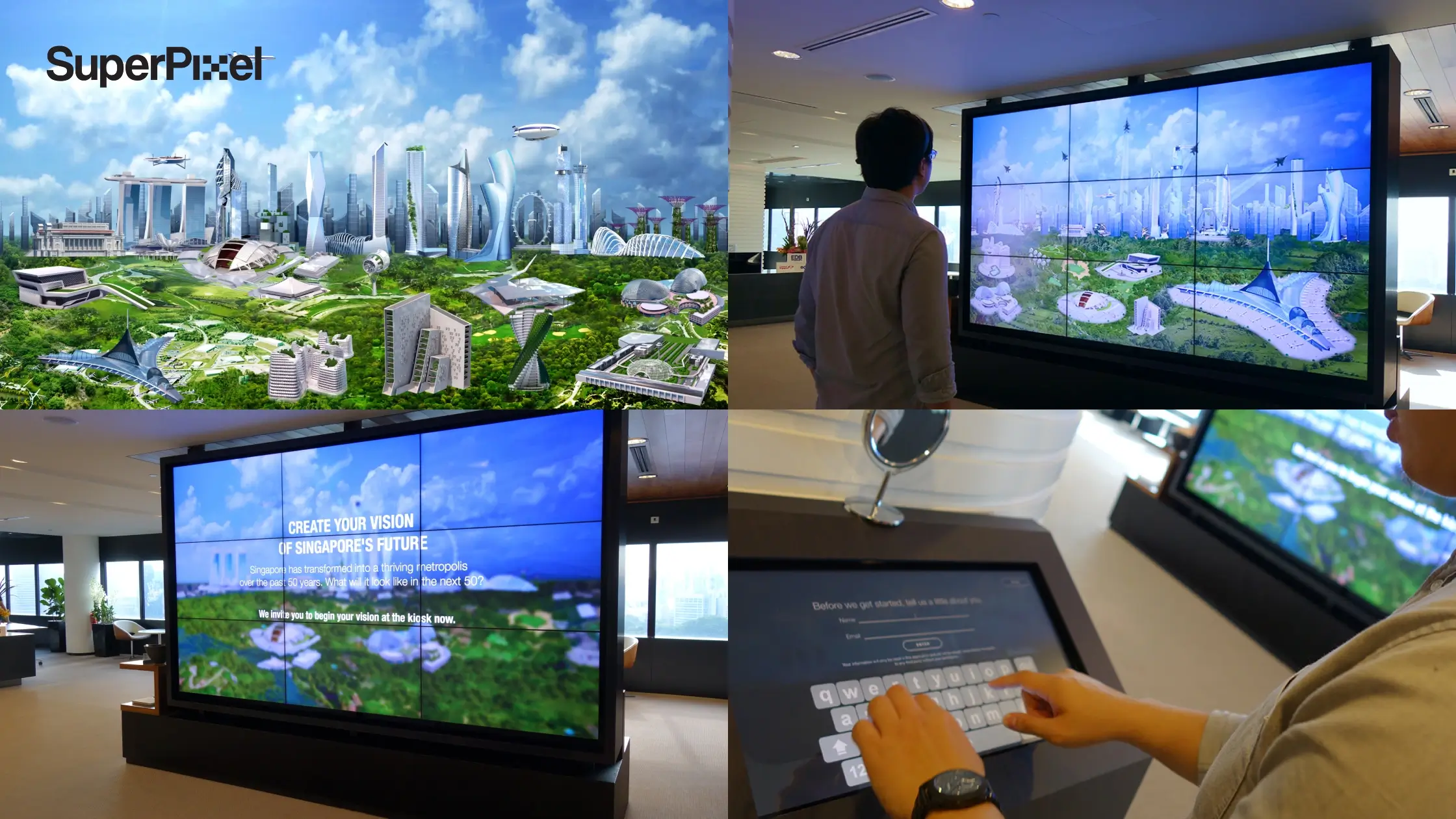
6) Video walls (when visibility is the job)
Video walls are made for impact. They’re also made for responsibility because one bad layout looks 10x worse on a massive canvas.
Best for: flagship retail, public atriums, airports, showrooms, entertainment venues
Watch-outs: content must be designed specifically for the aspect ratio and viewing distance. Don’t just “stretch a video”.
The Quiet Part Everyone Forgets: Operating Systems, Devices, and Support
The adoption of digital signage is accelerating globally, although printed signage continues to represent a significant portion of the signage industry.
A lot of teams buy screens first, then realise later they still need a way to run, manage, and update content.
Here’s the practical checklist:
Operating systems or Commercial environment
Most setups run on:
- Android (common in media players and kiosk devices)
- Windows
- Web-based players (ChromeOS or browser-driven systems)
- Proprietary systems from display manufacturers (yes, including LG commercial displays in many deployments)
Your operating systems choice affects:
- what apps you can run
- how stable playback is
- how you deploy updates
- what level of security and IT control you can enforce
Devices (what you’re actually deploying)
You might be using:
- commercial-grade displays (better heat handling, longer life)
- media players
- tablets (for smaller interactive points)
- kiosks with touch hardware
The best hardware decision is the one your team can reliably maintain. If your organisation needs to manage 50 screens across locations, simplicity wins.
Support (the “life” of your signage system)
Your signage isn’t “done” after install.
You need:
- monitoring (is it playing? is it offline?)
- content governance (who updates what, and when?)
- a content rhythm (weekly? daily? real-time?)
This is where teams either build a smooth workflow… or end up with screens showing last year’s promo like that lor.
Factors to Consider When Choosing the Right Digital Signage
1) Location and environment
Start with the commercial environment:
- indoor or outdoor?
- lighting (low light vs direct sun)
- viewing distance (1 metre vs 20 metres)
- dwell time (passers-by vs waiting areas)
Outdoor? Prioritise high brightness, weatherproofing, and readability.
2) Type of content (design dictates hardware)
Be clear about what you’re showing:
- static posters and announcements
- animation and motion graphics
- live dashboards
- interactive forms
- maps and wayfinding
- social or news feeds
If your content is motion-heavy, you need smoother playback and stronger colour handling. If your content is mostly text, clarity and contrast matter more than “wow”.
3) Real time content vs scheduled content
Real time content is powerful such as weather, queue numbers, live data, or contextual messages but it also requires discipline. If you don’t have a system to validate data and maintain design consistency, it can look unreliable fast.
4) Budget
Budget isn’t just the display. Include:
- mounts / stands (yes, those attractive accessories add up)
- media players
- CMS licensing
- installation
- content production (ongoing)
- maintenance and support
A smaller screen with strong content strategy often outperforms a massive screen with mediocre design.
Digital Signage Solutions and Products
When people talk about digital signage, they usually think about the screen first. But in reality, a digital signage setup is a combination of hardware + playback + mounting + software working together.
- Display devices are the most prominent part of any digital signage system because they’re the primary medium that presents your content. These displays come in different technologies such as LCD, LED, and OLED, each with its own strengths in clarity, colour reproduction, and energy efficiency.
- Playback devices are specialised hardware components that handle the storage, processing, and delivery of multimedia content to digital signage displays (and sometimes projectors). Depending on your setup, playback can be done through a standalone media player or built directly into the display via System-on-Chip (SoC) technology.
- Hisense digital signage is designed for multiple business applications, including public spaces, retail stores, and corporate buildings, and offers real-time updates and data-driven insights.
- Digital signage can be deployed across various devices, including smart TVs, tablets, and media players, without the need to reformat content for different platforms.
- Digital Out-of-Home (DOOH) advertising is a significant application of digital signage, delivering targeted advertisements in public spaces.
Plan Your Next Digital Signage Content
If you’re exploring digital signage for the first time, can work one that start with a clear objective:
- inform
- direct
- convert
- entertain
- reduce operational friction
Then choose the simplest type of display that can deliver that objective consistently.
The brands that win aren’t the ones with the fanciest hardware. They’re the ones who respect attention: tight design, clear hierarchy, strong message, and content that feels current.
If you’re planning animation or motion-led storytelling for digital signage, that’s where a studio like SuperPixel can help because designing for distracted viewers is its own craft.
And if you’re figuring out budget early, our animation cost calculator can help frame realistic ranges before you commit to production.
Frequently Asked Questions
1) How quickly can a business expect results from digital signage advertising?
Most companies see early results within 2–6 weeks once the site placement, message, and content cadence are set. SuperPixel focuses on designing for real-world viewing behaviour, so engagement lifts first then efficiency in decision-making follows.
2) Should we create different content for digital signage versus social media?
Yes, digital signage is designed for “glance viewing,” not scrolling. We help organizations reformat the same core idea into signage-friendly components (clear hierarchy, bolder typography, cleaner motion) so the experience works in fast-moving environments.
3) What’s the biggest mistake that makes digital signage underperform?
Treating it like a one-time install. Without an owner to manage updates, the features don’t matter the content gets stale, and viewers stop trusting it. Our approach builds a simple system your team can actually rely on.
4) Can restaurants use existing hardware, or do they need to buy new systems?
Many restaurants can use existing screens if they’re equipped to run stable playback and the chosen operating system supports the CMS. We typically audit the setup first to avoid issues like lag, incorrect colour, or failed loops during peak hours.
5) What about sustainability, does digital signage help or hurt?
It depends on how you run it. Done well, it reduces reprint waste by allowing rapid updates without producing new physical materials, but power use and hardware lifecycle still matter. We design content that’s efficient to run (lighter files, smarter loops) without killing visual impact.