


While working on content for all kinds of campaigns, one pattern keeps showing up: having a great camera doesn’t automatically make a video feel powerful.
The real difference is storytelling, how you shape the visuals through composition and framing, set the mood with lighting, and capture footage with an editor’s mindset.
This videography guide will help you build that foundation: the difference between videography and cinematography, practical shooting tips, and how to use dynamic shots (like pans and tilts) to guide attention and create emotion from one shot to the next.
And here’s the part people often forget: a strong character or subject can be the fastest emotional bridge between your video and your audience.
Key takeaways:
- Great videos aren’t just about a great camera, it’s about how you tell the story.
- Lock your camera settings early so your footage doesn’t look random from shot to shot.
- Keep camera movement smooth and intentional, shaky clips kill the vibe fast.
- Use natural lighting when you can, it’s the easiest way to make shots look clean.
- Film with editing in mind, grab a few extra angles so post production is way easier.
What Exactly is Videography?
Videography refers to the entire process of making a video, from conception to completion. The technique entails recording moving pictures or movies on electronic media such as Blu-ray, hard drive, tape, DVD, and other similar devices.
Obtaining the film alone, however, is insufficient. A videographer must capture and edit the video in such a way that it evokes specific emotions in the viewer. This can include things like utilizing visual effects, adjusting the lighting, or adding a soundtrack, among other things.
Ready to transform your tracks? Discover how to Elevate Your Sound with Music Video Animation Services in Singapore.
Videography vs Cinematography
They can look similar on a video camera, but the vibe is different and it affects successful video production.
Videography is usually about capturing real moments of life with a smaller crew and a faster workflow.
Cinematography is more “film style” work where you’re shaping mood and perspective, often with bigger crews, more planning, and more room to explore creativity.
For aspiring filmmakers, here’s an easy way to spot it: videography often keeps things practical (think framing at eye level and getting the moment), while cinematography is more intentional with every choice.
This is a comprehensive guide rule of thumb, not a strict line though. The labels blur now, so your best move is to get feedback, keep experimenting, and refine what style fits your story.
Does Videography Include the Editing Process?
Sometimes, yes but not always. Videography covers the whole video-making process, but shooting and editing are still two different skill sets. A great videographer isn’t automatically a great editor, and vice versa.
Either way, good videos still need basic planning before you hit record.
Streamline your next project by following our Outsourcing Animation: A Step-by-Step Guide to Animated Video Production.
Videography Tips for Your Next Level Video Project
The good news? Once you understand a few key elements such as camera settings, lighting basics, and professional sound, you will start to shoot great videos consistently (yes, even with smartphone video).
Here are practical insights you can use right away as a beginner’s guide to creating videos with better video qualityand building a solid foundation for great videos.
1. Assemble your camera equipment (camera basics checklist
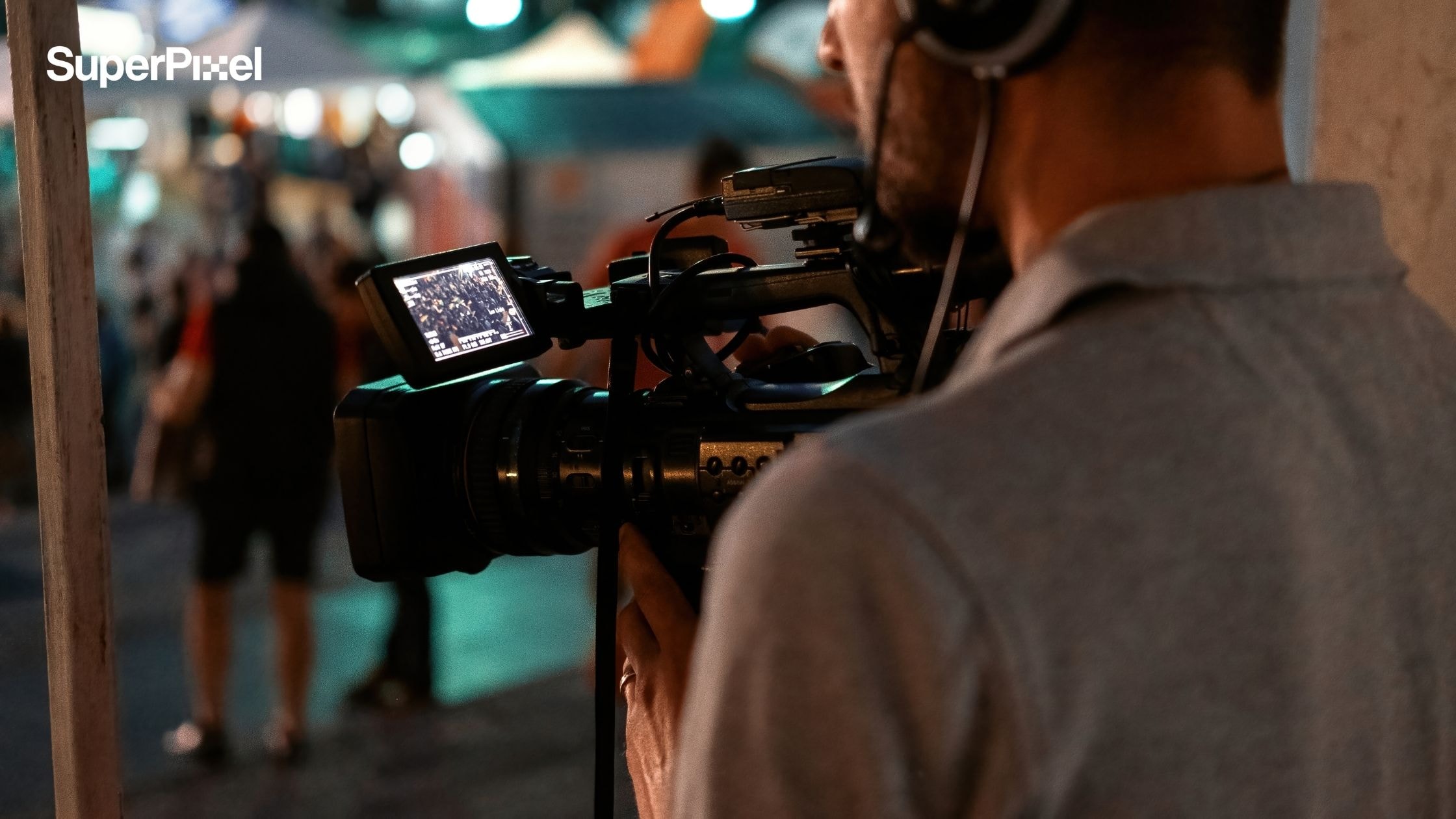
We live in a time when you can make great videos with the gear you already have, sometimes even just a phone. But if you want more creative control, prioritize a few essential tools that instantly upgrade your output:
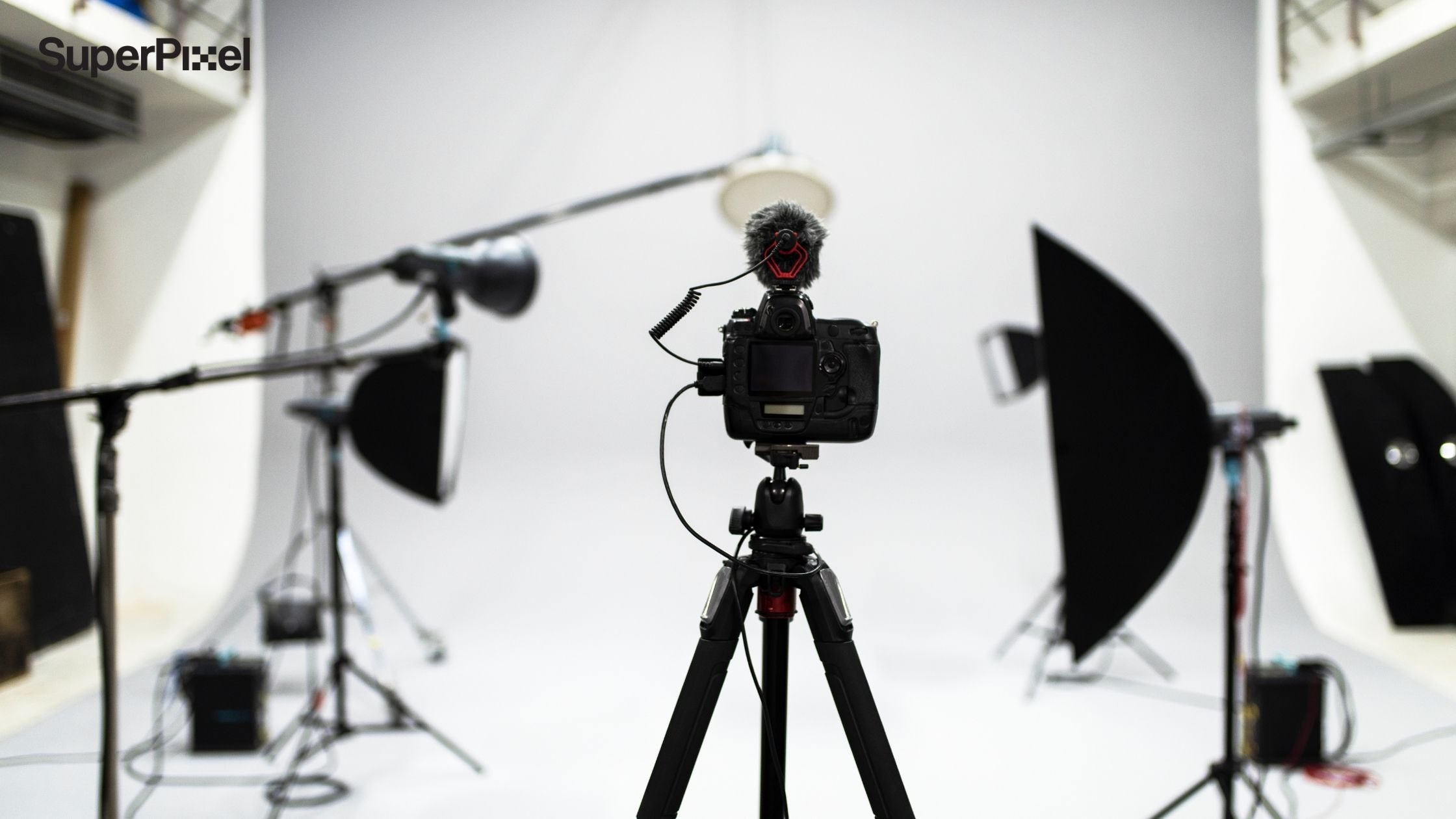
- Stability: a solid tripod (or even a compact phone tripod) to keep your frame steady.
- Movement: a gimbal stabilizer if you’re doing walk-and-talks or dynamic shots.
- Audio: an external microphone (shotgun mic or lavalier mic) instead of the built-in mic for clean, reliable professional sound.
- Monitoring: if possible, use a bigger screen (or a phone monitor app) to check focus and exposure while filming.
Quick hands-on exercise (5 minutes):
Record the same 10-second clip twice, once using your built-in mic, once using an external mic. Compare audio levels and background noise. You’ll immediately hear why sound matters.
Level up your visual storytelling with our guide on Shot Type Mastery: Creating Compelling Video for Your Business.
2. Make a shooting schedule (plan your dynamic shots)
If you’re shooting a music video, commercial, interview, or short film, your schedule doesn’t just manage time, it protects your video quality. A simple plan helps you stay consistent from shot to shot, and makes editing basics much easier later.
To do it like the pros, build a lightweight storyboard + shot list:
- What’s the goal of the scene?
- What do we need to verify on set (location noise, light direction, permission, etc.)?
- What angles do we need (wide / medium / close)?
- What background music or voice-over will sit on top later?
Camera settings checklist (set this before you roll):
- Frame rate: 24fps for a more cinematic feel, 30fps for general content, 60fps if you want smoother motion or slow motion in edit.
- Shutter speed: for natural motion blur, set it to roughly double your frame rate (the 180-degree shutter rule). Example: 24fps → ~1/50, 30fps → ~1/60, 60fps → ~1/120.
- ISO: keep it as low as possible to avoid digital noise/grain—often ISO 100–400 for bright outdoor scenes.
- White balance: lock it (don’t leave it on auto) to avoid weird color shifts between clips.
- Focus: when possible, use manual focus for consistent sharpness, if your subject moves.
- Exposure: learn to control exposure (don’t let auto settings “hunt” mid-shot).
Micro exercise:
Shoot three takes of the same shot: (1) auto everything, (2) locked white balance + exposure, (3) locked WB + exposure + manual focus. You’ll see the jump in consistency immediately.
Boost your conversion rates and learn How Explainer Video Animation Services Help You Sell Better.
3. Make use of good lighting (natural lighting vs artificial)
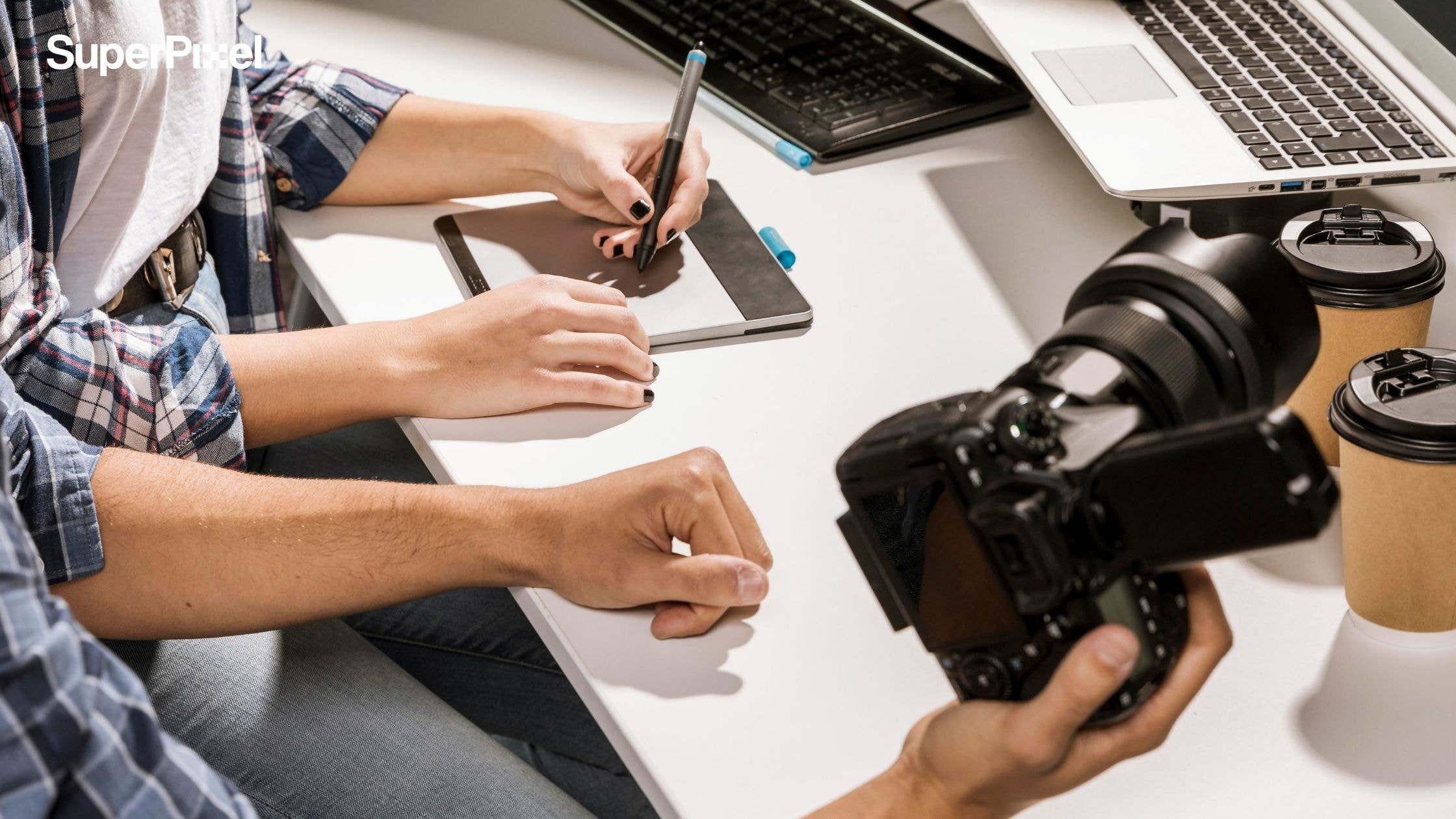
Just like photography, lighting is one of the biggest “level-up” levers in videography basics because it affects mood, clarity, and how “premium” the image feels. If you’re serious about shooting great videos, start with this simple setup:
Three-point lighting (the classic):
- Key light: your main light, shapes the face or subject.
- Fill light: softens shadows so details don’t disappear.
- Back light (hair/rim light): separates the subject from the background for depth.
If you’re on a budget, you can still get a clean look with natural lighting:
- Put your subject facing a window for soft key light
- Use a white wall/foam board as fill
- Keep the background slightly darker for separation
Bonus: lighting + camera settings work together
If your scene is too dark, don’t instantly crank ISO (that can add noise). Instead, try: move the light closer, increase brightness, or open your aperture first then keep ISO low.
4. Maintain a simple backdrop (clean frame, clear subject)
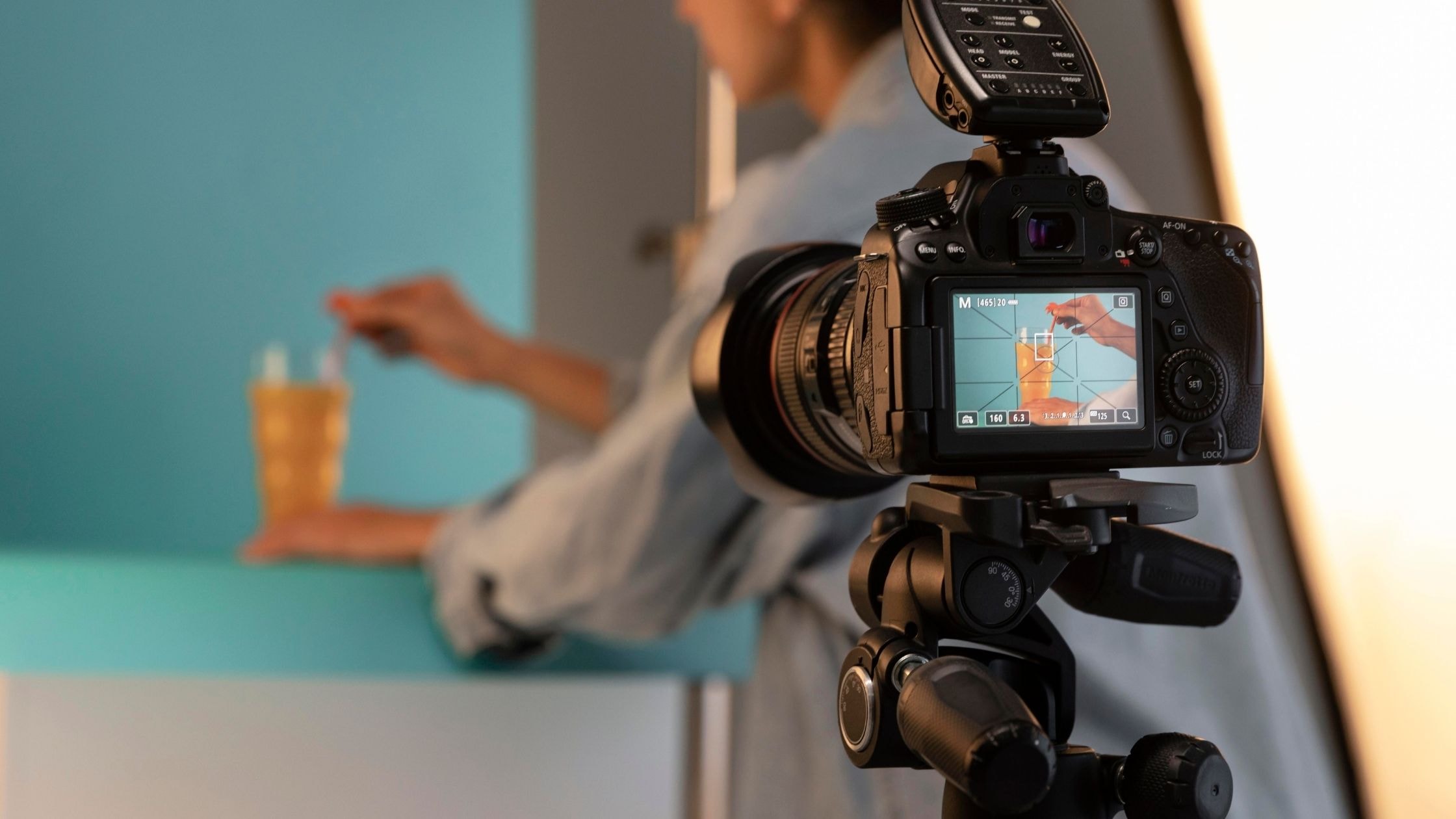
Don’t just film in any location. Make an attempt to utilize a basic background or to improve it as much as possible by removing as much clutter as possible.
To avoid casting a shadow, many photographers utilize solid-colored backdrops such as a wall, a bedsheet, or backdrop paper and position themselves (or their subjects) a few feet away from it.
The videography tip is to keep everything out of the scene that will make it seem cluttered and draw attention away from your topic. Try to do some shooting examples.
5. Make your composition better (framing that builds a solid foundation)
Many newcomers are unaware that effective videography entails more than simply pointing your camera at your scene or subject. It entails organizing visual pieces and enabling them to have artistic expression. It also entails altering the shooting of your camera to make the footage more aesthetically pleasing.
The Rule of Thirds is one of the most significant cinematic videography guidelines and compositional principles.
When facing the sides, situate your subject’s head a little higher (not in the middle) of the frame to offer them visual breathing or walking room. When capturing over-the-shoulder photos, another option is to stay on the same side of two persons chatting.
6. Keep an eye out for proper camera placement (better camera movement control)
Beginners frequently make the error of not considering how the focal length of the lens and the camera’s distance from the subject impact the scene’s appearance.
Never put your camera too near to your subject while taking close-up photography, since this can cause ugly face distortions and make cropping out the scene’s edges more difficult. Placing your camera a few feet away and slowly zooming in with your camera lens is much easier.
7. Shots that are shaky should be avoided
You don’t want your shoot to seem wobbly, whether you’re panning, executing a crane shot, or dollying from side to side.
Aside from making your material appear like home videos, it may cause motion sickness in your viewers. It’s critical to keep your camera on a tripod or other stable surface.
Once your camera is set up, try not to move it unless absolutely necessary. Maintain a constant pace and avoid abrupt pauses.
8. Shooting Video Should Be Timed
Here are some videography tips from professionals that you won’t find in many handy guides. To properly maintain your viewer’s attention, keep your shots longer than five seconds but not more than ten seconds.
Remember to keep your photos stable for at least 10 seconds before panning or zooming. Many novices find them to be quite useful in limiting camera movements, cutting down on recording time, and keeping their post-production sequences simple.
9. Make use of cinematic techniques
A few simple moves like a slow pan, tilt, or push in can instantly make your video feel more polished and story driven. Just don’t overdo it. Pick movements that support the moment, so your shots stay engaging without pulling attention away from the message.
10. Shoot with editing in mind
When you’re filming, think like your future editor. Grab a few different angles and a couple of extra “safety shots” so you have options when you cut the video together. It’ll save you time, reduce the chances of re shooting, and help your final edit look clean instead of rushed.
For editing, start with a simple app first. Once you’re comfortable, you can move up to more advanced tools.
Get a closer look at our creative process, follow @superpixel.creative on Instagram
Style of Videography You Can Try
There have been a variety of video styles that have emerged over time. In the online world, this style of videography has become standard. Because they form the core of a solid video strategy.
Here are some video styles that you can try to use:
1. Live-action
A recording of either motionless or moving things is known as a live-action video. Rather than building things digitally, it’s about real people and real places. Live-action videos can capture live events or streaming media. Usually, wedding videographers use this style.
You can use this type of video for:
- Training videos,
- Documentaries,
- Legal depositions
- Interviews, and
- Sports events.
2. Animation
A video style made up of multiple still images is known as digital animation. When pictures are played back-to-back, they create the appearance of movement. This style is ideal for representing something that does not exist in reality.
For example, animating a fictional figure or a science-fiction setting is frequently less expensive and time-consuming than recreating them in the actual world. If you don’t have access to a film crew or actors, animation is a great option.
2D, 3D, and stop-motion animation are the three types of animation. 2D animation is a video equivalent to a comic or a cartoon in that it is flat.
Like most recent animated films and video games, 3D animation has dimension and depth. Stop-motion animation, like a “claymation” film, is created by recording the individual frame rate of real-world items.
You can create this type of video for:
- Marketing and promotional videos
- Explainer videos
- Short films
3. Whiteboards
Whiteboard animation is a type of animation that tells a story using images drawn on a whiteboard (or something that looks like a whiteboard) by artists who document their creative process.
A whiteboard movie is ideal for explaining a practical procedure in an easily consumable manner, whether it’s using simple stick figures or a more complex frame rate.
In fact, a well-designed whiteboard animation may provide a 68 percent higher return on investment than Google Ads.
You can use this type of video for:
- Heavy presentations: This type of video is ideal because they make it simple to get into a nice rhythm of alternating talking and writing to optimize audience comprehension.
4. Videos with motion graphics
Motion graphics videos are a sort of animation that communicates through text and shapes, but they don’t generally convey a story. Music, sound, and voice-over are commonly used in these video productions to deliver simple information with energy and impact.
You can use this type of video for:
- Describing product or achievement
- A cute moment, such as the first kiss
5. Videos using typography
Kinetic typography, sometimes known as moving text, is an animation method that combines movement and words to convey concepts.
Some people are more receptive to footage, while others are more receptive to the written word. Kinetic typography is a terrific technique to get both people’s attention!
Seeing text move can also elicit sound and weight sensations. Large, thick, vibrating words, for example, might appear loud and weighty, whereas small, thin, flowing syllables can appear delicate and easy.
You can use this type of video for:
- Compress a lot of information into a short amount of time.
- Wedding videography for the couple’s name
Which Video Style Should You Choose
You now have a better understanding of the many types of videos available. Begin by asking yourself, “What is the goal of my video?” There are no hard and fast rules, although certain styles work better than others.
Do you want to attract an audience by entertaining them? Try animation production. With animation, you can have the ability to bring any notion to reality.
To recap, an animation video is a strong marketing tool that may help you connect with your clients, make them remember you, engage new audiences, and increase conversions.
So, what do you have to lose? Now is the time to make your own animation video! If you’re looking for some tips, SuperPixel Singapore can assist you in realizing the possibilities of animation.
We also provide motion graphics, 3D visualizations, infographics, and other types of video in addition to animation. You may reach out to us at any time and from any location; we would be delighted to consult and cooperate with you!


